
Intelligence
Your notes,connected.
Cimanote reads what you write and builds a map of the people, projects and ideas in it, with the evidence behind every connection.
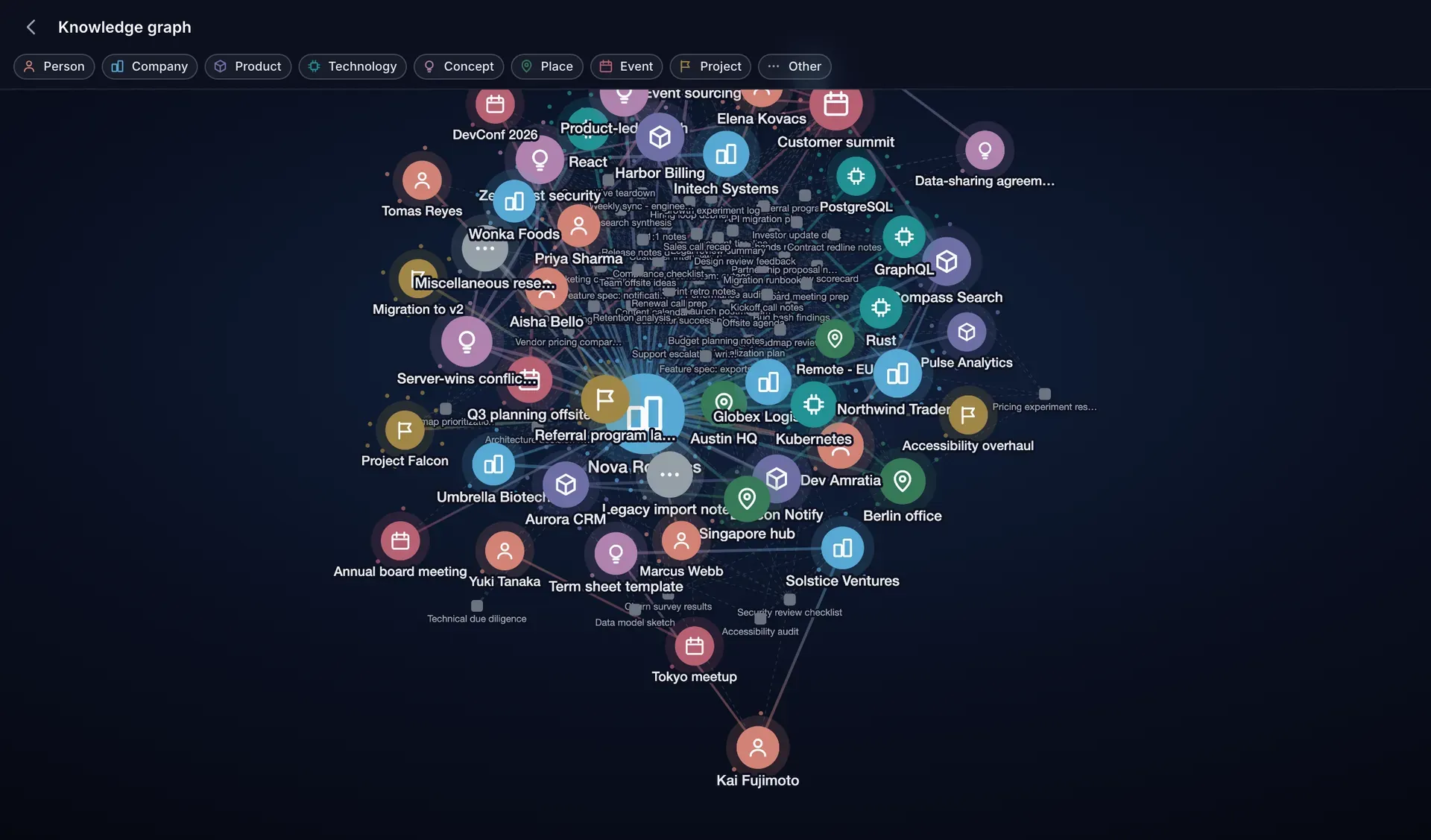
Captured in the app - the galaxy view of a demo library, every node drawn from its notes.
You already wrote it down. That was never the hard part
The hard part is later: remembering which note, which week, which word you used at the time. Notes pile up in silos while the thing you actually built, a picture of the people and projects you work on, stays locked inside them.
The way in
It starts at the search box.
You do not have to learn anything new to use the layer. Search the way you always have, and once the graph exists, results can also arrive through it: a note connected to the one you asked about, labelled with the connection that brought it.
Q3 planning offsite
Via Northwind TradersA note that never mentions your words, reached through something it shares with the note that does.
The knowledge graph
Every person, project and idea you have written about.
Cimanote reads what you write and draws the map: who is connected to what, through which notes. Zoom out for the whole library, zoom in on one thing to see its neighbourhood, and open the evidence rail to read the notes that put every line there.
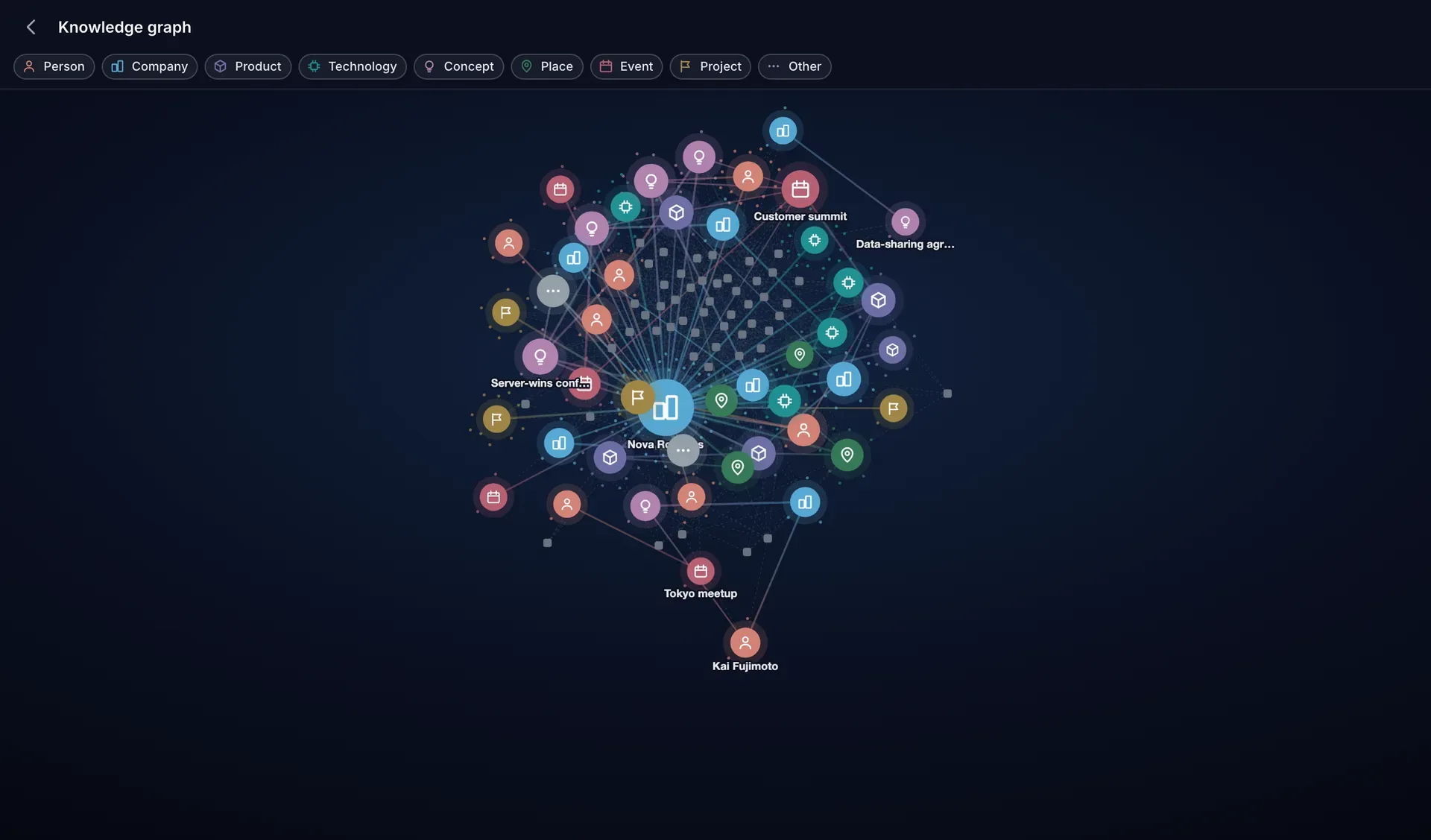
Zoomed out, only the hubs keep their names.
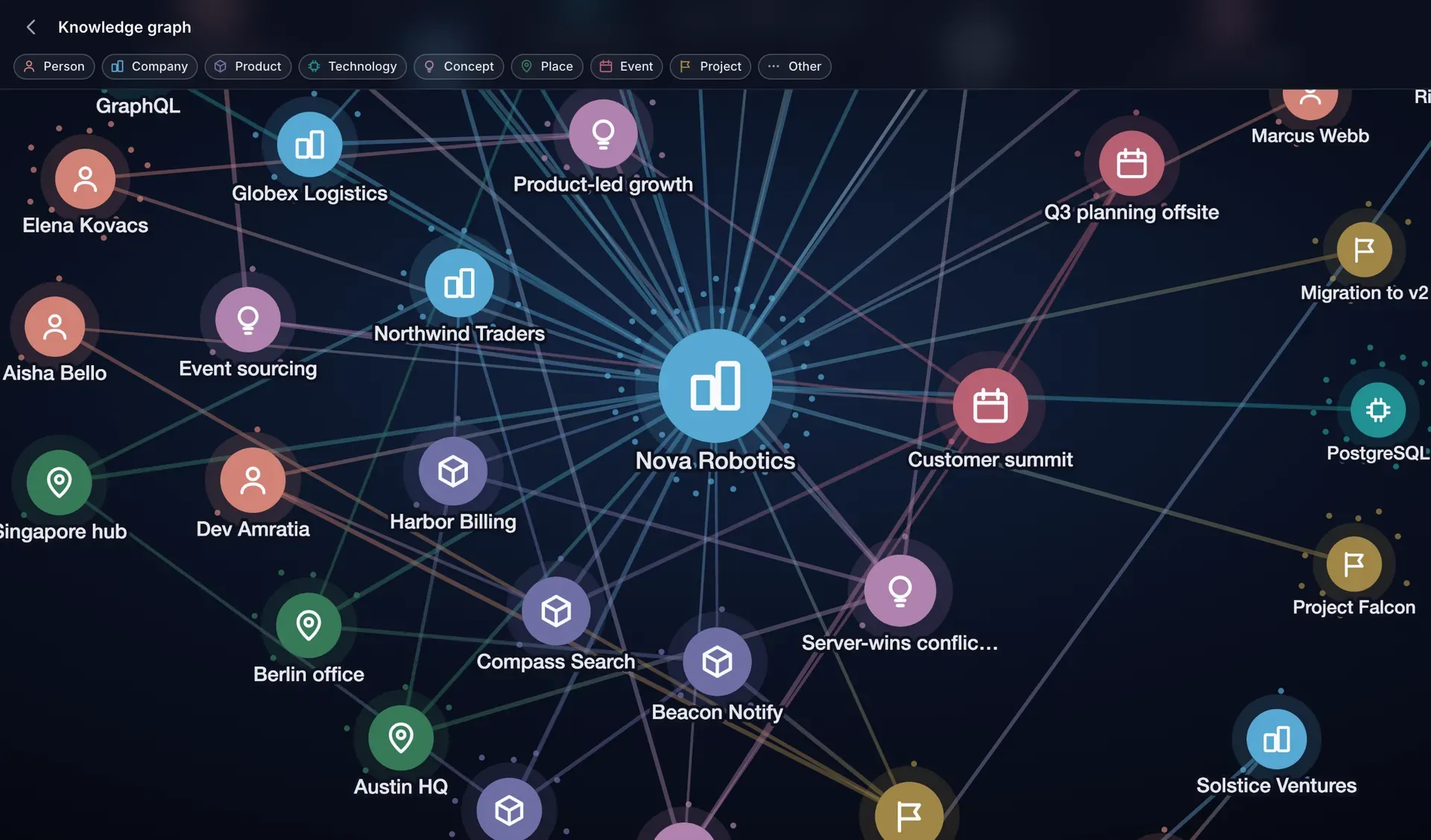
Zoom in and one entity’s neighbourhood resolves.
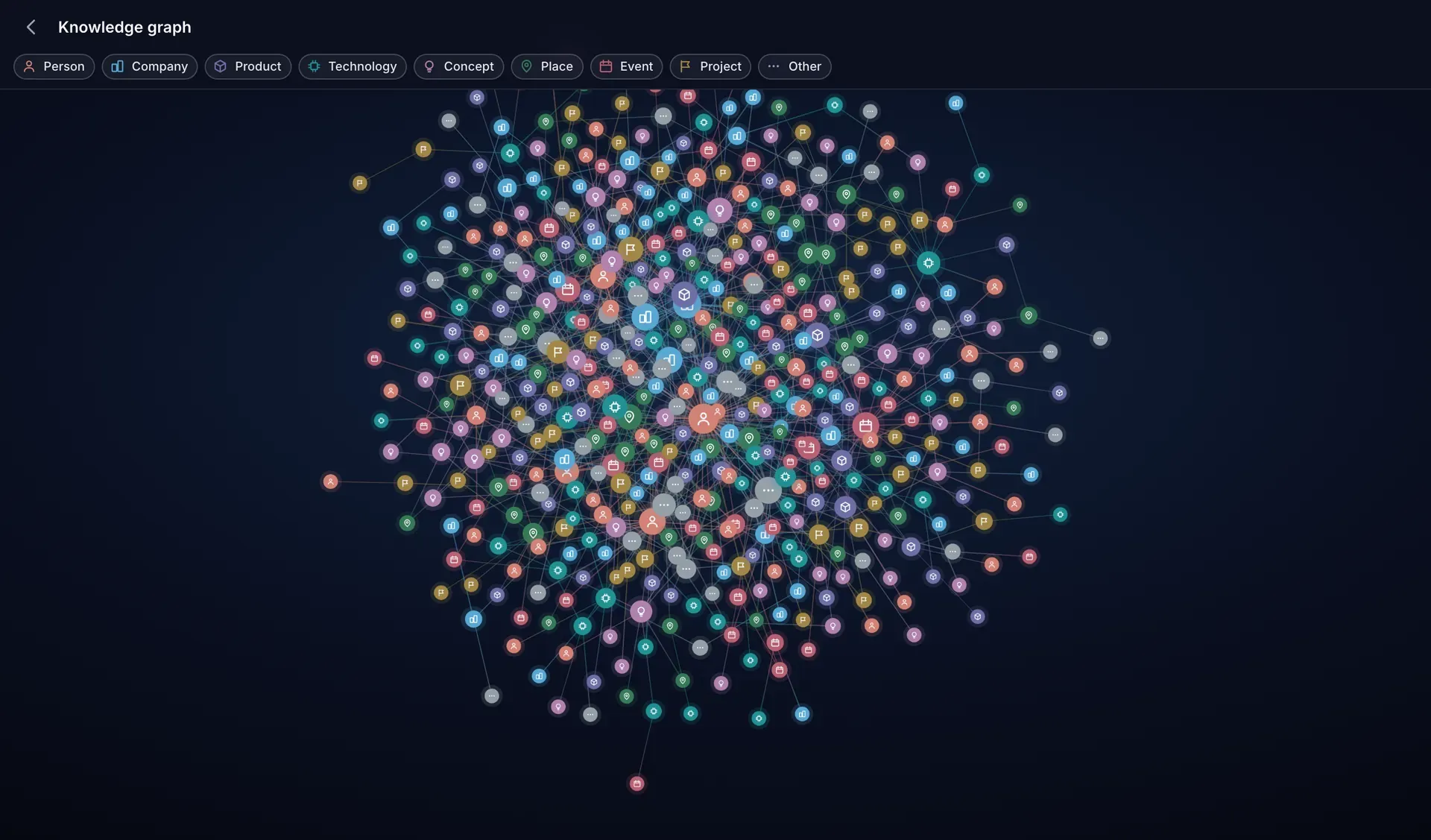
A whole library at once. The layout stays readable as the graph grows.
Galaxy view
The whole library in one frame. Labels resolve as you zoom, so it stays readable at any size.
Crystal detail
Tap any hub to dive into it. Its neighbours arrange around it, sized by how much you have written.
Evidence rail
Every connection opens the exact notes behind it. Nothing is invented, and nothing is unsourced.
Suggested tags
Field notes: Meridian, day two
Proposed notebook
Meridian investigation
14 notesThese notes keep referring to the same people, dates and documents. They read like one project.
One page, one pass, one click each.
Organize
A library that organizes itself.
Cimanote proposes tags for your notes, and spots when a dozen of them belong together in a notebook you have not made yet. Every suggestion waits for you on one page. None of it happens behind your back.
Reviewed in one place. Tag suggestions and notebook proposals collect on the Organize page instead of arriving as interruptions.
One click to accept. Take a whole batch at once, or pick the ones you want and leave the rest.
Undo anything. Every accepted suggestion can be reversed. Nothing it does is one-way.
Shared graphs
Their map, through your door.
When a colleague shares notes with you, you can explore the knowledge graph they already have. You see it through the notes they shared: an entity appears only when one of those notes is among the sources it was built from, and a connection appears only when one of those notes is the evidence behind it. The rest of their library stays on their side of the door.
Filtered as you read it. Their graph is not rebuilt for you. It is narrowed the moment you open it, and notes you cannot see are stripped out of the evidence before any of it reaches you.
Same tools, same evidence. Explore, dive into an entity, open the source notes. The ones you may read.
Nothing leaks the other way. Your own graph stays yours. Sharing a note is not sharing a library.
The boundary is the share, not a setting you have to trust.
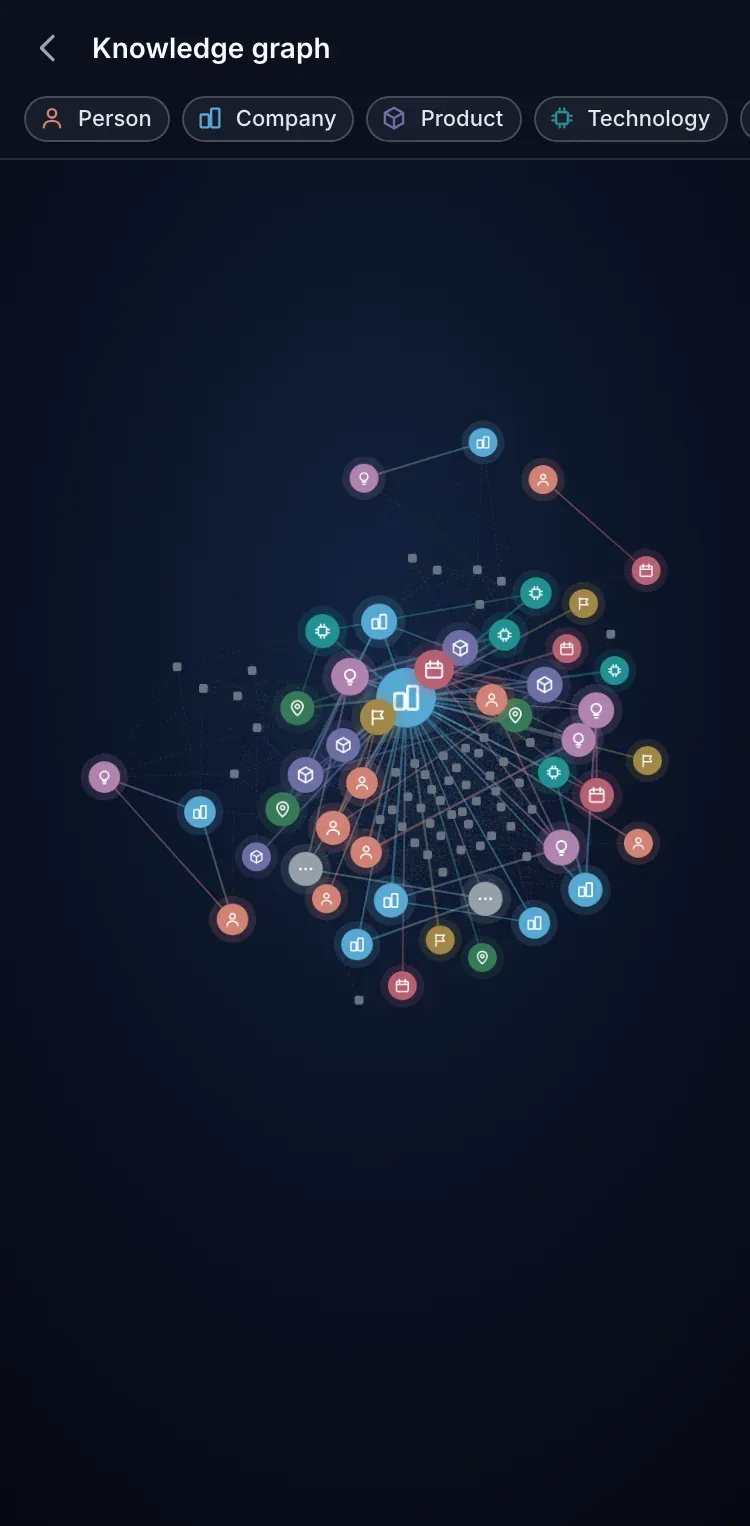
Your whole library
Everything you kept counts as knowledge.
Not just the notes you typed. The PDF you clipped months ago and the photo of a whiteboard are read too, so they can answer a question today. And notes written in any language are indexed on their own terms.
Attachments included. Text inside your PDFs and images is read, so what is in them can be found and connected.
Any language, on its own terms. Accents and letter forms are normalized, so one spelling finds the other.
On every device. The graph travels. Open it on your phone and dive in with a tap.
What it looks like in a real week
The report you forgot you had
A PDF you clipped in March names the company you are researching today. It is already in the graph, and the evidence rail shows you which page it came from.
The call in ten minutes
Open the person in the graph and everything you have written near them is there: the projects, the last meeting, the notes behind each line.
The unfiled pile
Two hundred notes and no tags. The Organize page has already grouped them and named the notebook they were asking for. You accept the ones you like.
The thread you missed
Two notes from different months turn out to share a company. The graph draws the line and shows you which notes put it there.
What is in the layer
How Cimanote compares
Other apps let you chat with your notes. Cimanote draws you the map, and shows its sources.
| Feature | Cimanote | Notion AI | Evernote AI | Obsidian + plugins | Mem.ai |
|---|---|---|---|---|---|
| Automatic knowledge graph | Manual links | ||||
| Source notes on every connection | |||||
| Whole-library overview view | |||||
| Notebook clustering proposals | |||||
| Tag suggestions you review first | Automatic | ||||
| Graph over shared notes | |||||
| Reads attachments and PDFs | Pro only | ||||
| Graph on mobile |
Where it touches the rest of Cimanote
The intelligence layer is not a separate app. It runs on the notes you already keep.
Search free, the layer Pro
The door is free. The map is Pro
Cimanote search stays free on every account, with no limits. The knowledge graph, the organizing suggestions, and shared graphs are Cimanote Pro - included in the free 30-day trial every new account gets, no credit card required.
See what your notes already know
Try Pro free for 30 days. No credit card required.
Start your free 30 days→