
Offline Sync
Your notes don't need WiFi.Neither should you.
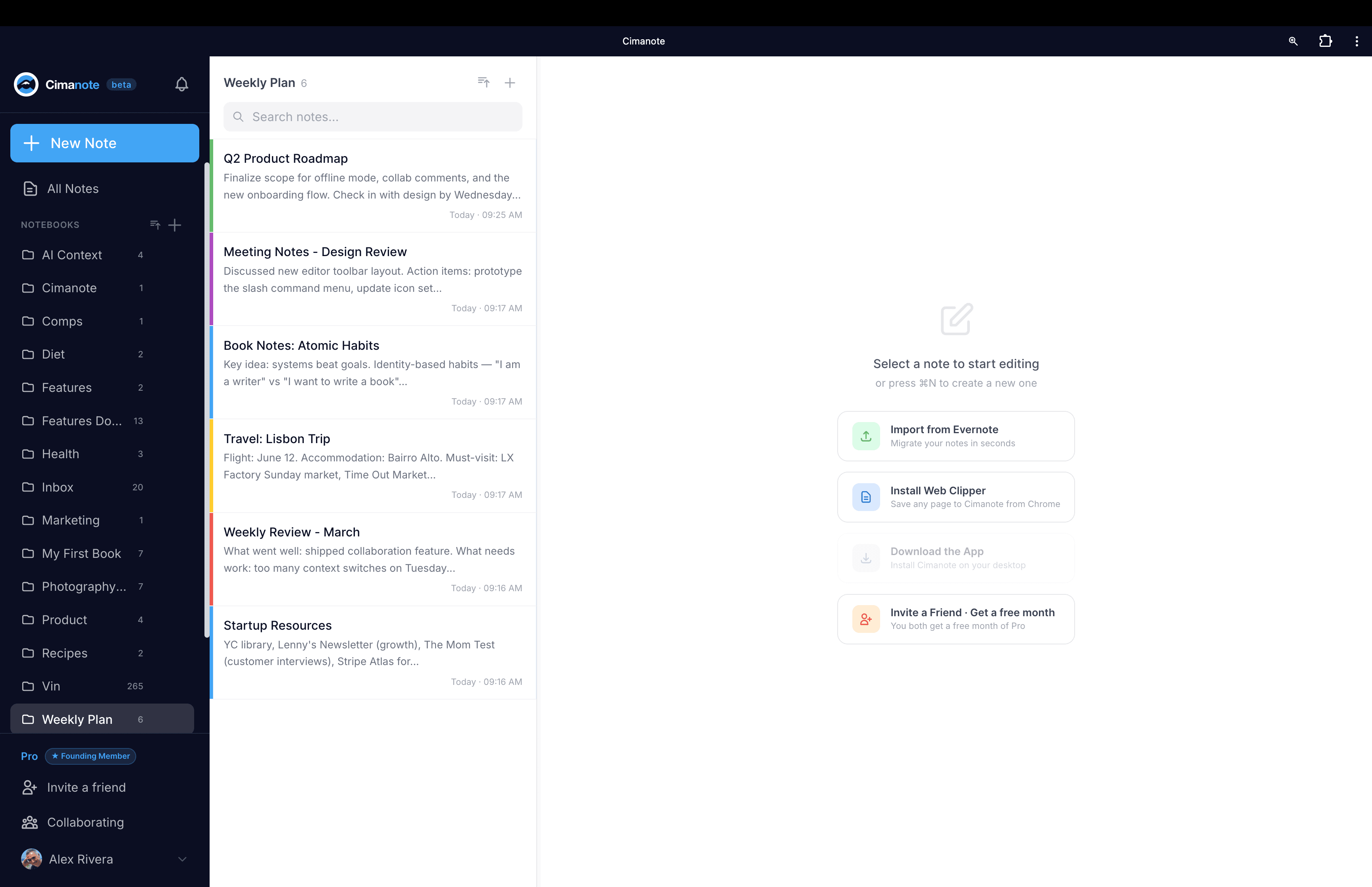
Full offline editing. Create, edit, and delete without internet - everything syncs automatically when you reconnect.
Ideas don't wait for cell towers
Most note apps are useless without WiFi - on planes, in tunnels, at cabins with no signal, you get a loading spinner instead of your own thoughts.
What happens in a tunnel, stays in sync
The full journey from airplane mode to every device agreeing with every other device.
Signal drops
You keep writing. Edits queue locally.
3 edits queuedBack online
Sync starts the second you reconnect.
syncing…Everything lands
Conflicts detected and shown side by side.
all syncedWherever the signal isn't
On a flight
Draft your entire project plan at 35,000 feet. Everything syncs the moment you land and reconnect.
On the commute
Underground, no signal. Review and edit your notes anyway. They sync as soon as you surface.
At a remote cabin
Write 15 notes over an off-grid weekend. Monday morning, they all sync automatically - in order.
When edits collide
Edited the same note on laptop and phone? You get a side-by-side view of both versions - no silent data loss, ever.
How it keeps up
How Cimanote compares
| Feature | Cimanote | Evernote | Notion | Google Keep | Apple Notes |
|---|---|---|---|---|---|
| Offline editing | Per-page opt-in | Basic | |||
| Offline create & delete | |||||
| Auto sync on reconnect | Slow | ||||
| Conflict detection | Side-by-side view | Unreliable | Last write wins | Last write wins | |
| Works in any browser | |||||
| Installable app |
Pro feature
Included in your free 30 days
Offline reading is free for everyone. Full offline editing is part of Pro - included in your free 30-day trial, no credit card required.
Write anywhere. Sync everywhere.
Try Pro free for 30 days. No credit card required.
Start your free 30 days→