
Web Clipper
Stop losing whatyou find online.
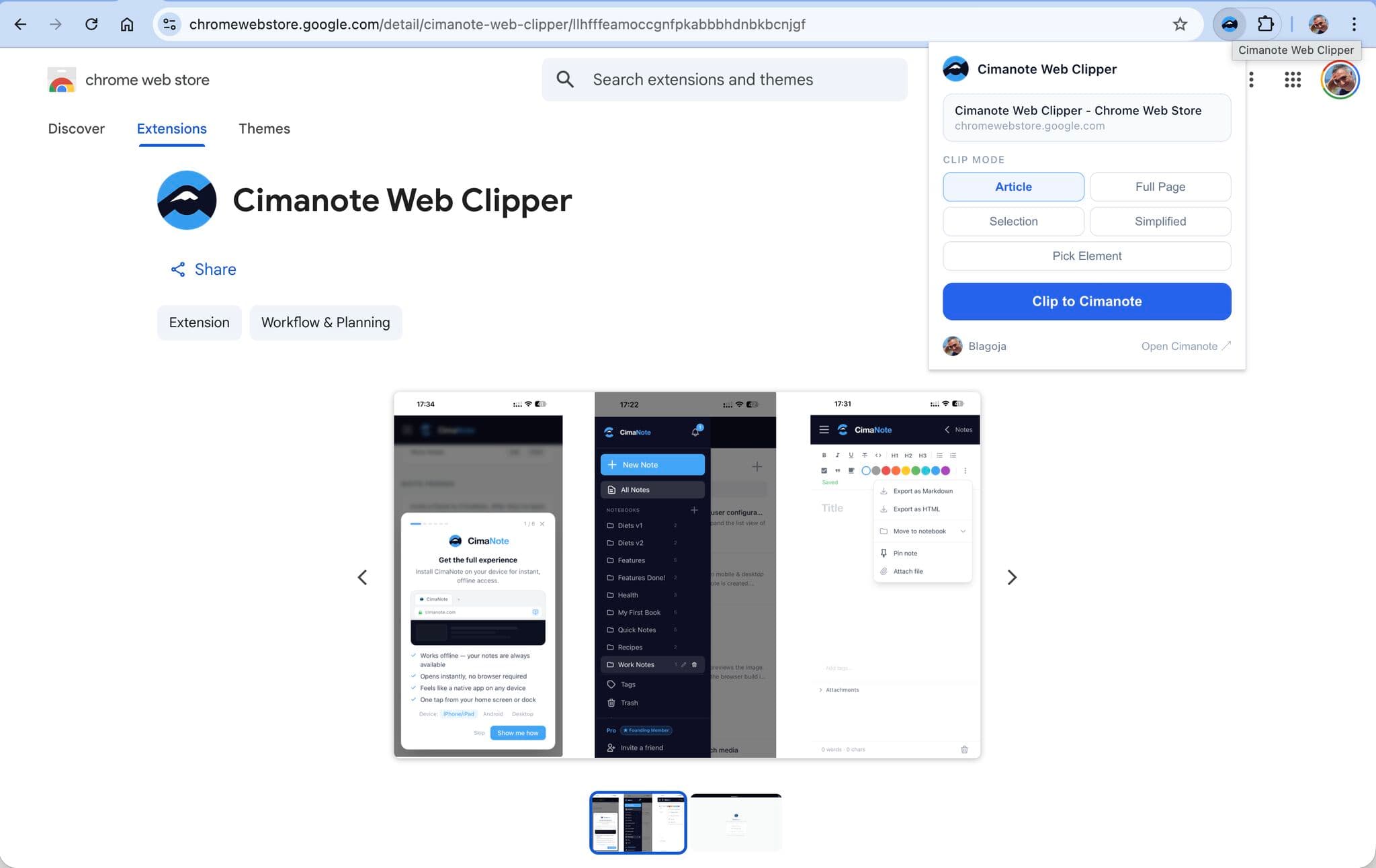
One click saves any page to your notes - formatting intact, clutter removed, ready for your Knowledge Engine.
The web is ephemeral. Your knowledge shouldn't be.
Copy-paste breaks formatting. Bookmarking means forgetting. Saving URLs means the page is gone six months later. Clip it once and it's yours - searchable, editable, permanent.
Five clip modes
From a whole page to a single paragraph - clip exactly what you mean to keep.
Clipped note
source · saved just now
Just the story, clutter stripped
What people clip
The researcher
Clips 20 articles on new regulations. The Knowledge Engine builds a timeline of changes automatically - with each clip's source URL and date attached.
The developer
Clips Stack Overflow answers and documentation. Code blocks arrive formatted and syntax-highlighted, as native editor content you can edit.
The social tracker
Clips LinkedIn posts and X threads with smart extraction and author attribution. Searchable text - not screenshots you can never find again.
The precise one
Uses Pick Element to grab just the recipe, just the table, just the one paragraph that matters. Point, click, saved.
Everything included
How Cimanote compares
Five modes against the field.
| Feature | Cimanote | Evernote | Notion | Obsidian | |
|---|---|---|---|---|---|
| Clip modes | 5 modes | 2 modes | 1 mode | Markdown only | Link only |
| Formatting preserved | Partial | ||||
| Pick Element mode | |||||
| AI knowledge integration | |||||
| Code block support | Basic | ||||
| Price | Free | Paid plans from $8.25/mo | $10/mo | Free | Free (Pocket shut down 2025) |
Free forever
No Pro plan required
The Web Clipper is free for every account, with no clip limits. Install it, sign in once, and start saving.